Do you ever wonder where your money goes each month? Many people check their bank balance but still struggle to stay on budget. The problem is often not how much they earn. Instead, it is not tracking where their money is spent.
The good news is that you do not need expensive budgeting software. Microsoft Excel includes powerful templates that make budget tracking simple. Whether you are managing personal finances, household expenses, or a small business budget, Excel gives you the tools to stay organized.
In this guide, you will learn how Microsoft Excel templates can help you take control of your finances with less effort.
Why Use Microsoft Excel for Budget Tracking?
Microsoft Excel has been a trusted tool for managing numbers for many years. It is flexible, easy to customize, and suitable for beginners as well as experienced users.
Excel budget templates help you:
- Track income and expenses
- Set monthly spending limits
- Monitor savings goals
- View spending trends
- Stay organized throughout the year
As a result, you can make smarter financial decisions without creating a spreadsheet from scratch.
Choose the Right Budget Template
Excel offers several ready-made templates for different needs.
Some popular options include:
- Monthly personal budget
- Family budget planner
- Household expense tracker
- Annual budget planner
- Small business budget
Each template includes formulas that calculate totals automatically. Therefore, you spend less time doing math and more time reviewing your finances.
Record Your Expenses Regularly
A budget only works if it stays up to date.
Make it a habit to record your expenses every day or at least once a week. Even small purchases can add up over time.
For example, you can track:
- Groceries
- Bills
- Transportation
- Entertainment
- Dining out
- Online shopping
Because your records stay current, you can quickly spot spending habits that need attention.
Use Charts to See Your Spending
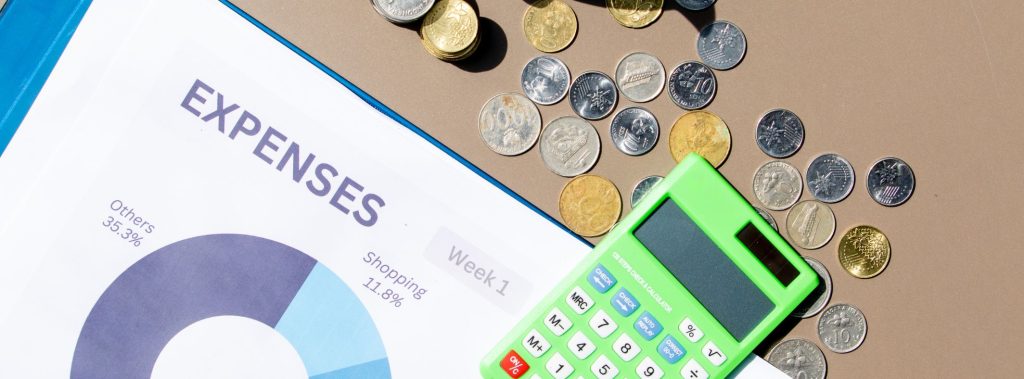
Numbers are useful. However, charts make your budget easier to understand.
Excel can automatically create charts that show where your money goes each month.
For example, you can compare:
- Essential expenses versus optional spending
- Monthly income and expenses
- Savings progress
- Spending by category
Visual reports help you notice trends faster and make better financial decisions.
Set Savings Goals
Budgeting is not only about reducing expenses. It is also about planning for the future.
Use your Excel template to create savings goals for:
- Emergency funds
- Vacations
- New gadgets
- Home improvements
- Education
Seeing your progress each month can help you stay motivated.
Keep Your Budget Secure
Your budget contains personal financial information. Therefore, it is important to protect your files.
Excel offers several useful security features, including:
- Password protection
- File encryption
- Cloud backup with OneDrive
- Version history for saved files
These features help keep your financial information safe while allowing access across multiple devices.
Why Genuine Microsoft Excel Makes a Difference
Using genuine Microsoft Excel gives you access to the latest features, security updates, and reliable performance. It also ensures your templates work properly and remain compatible with other Microsoft Office apps.
If you need an affordable and verified Microsoft Office license, MyCodes24 offers genuine software that helps you enjoy the full Excel experience without paying full retail prices.
Make Budgeting a Monthly Habit
Budget tracking does not have to be difficult. In fact, spending just a few minutes each week can help you stay in control of your finances.
By using Excel templates, updating your expenses regularly, and reviewing your progress, you can build better financial habits over time. Small changes today can lead to greater financial confidence tomorrow.
Final Thoughts
Managing your money becomes much easier when you have the right tools. Microsoft Excel templates provide a simple and effective way to organize your finances, monitor your spending, and reach your savings goals.
If you are looking for genuine Microsoft Office software, visit MyCodes24.com to explore affordable and verified licenses that help you get the most out of Microsoft Excel.